How to validate a CPF with JavaScript

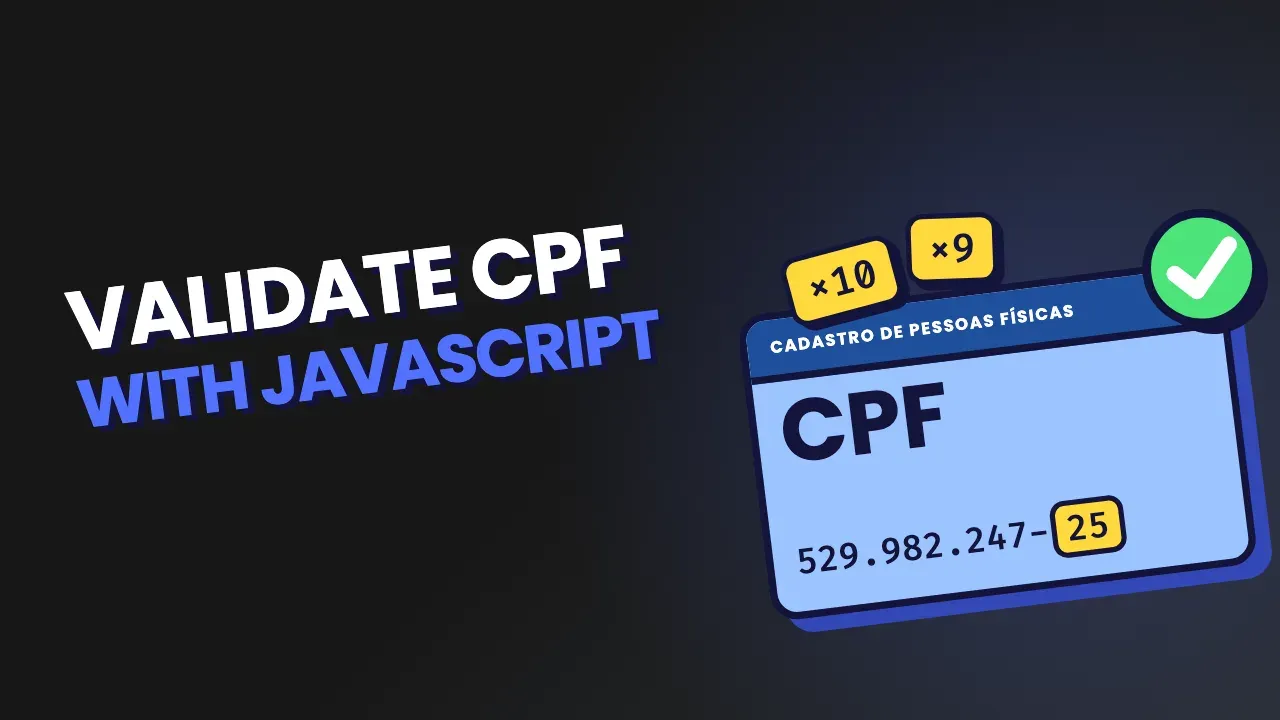
The CPF (Cadastro de Pessoas Físicas) is the Brazilian individual taxpayer number, and almost every Brazilian sign-up form asks for it. Validating it on the front-end helps avoid mistakes in sign-up, checkout and login forms. On the back-end, validation is a second barrier against mistyped data and basic fraud.
In this article, you will understand the CPF algorithm and implement a CPF validation function in plain JavaScript, with no external library.
What the check digits are
A CPF has 11 digits:
- The first 9 are the base of the document.
- The last 2 are the check digits.
These two digits are calculated from the previous ones. The idea is to catch common typing errors, like swapping or dropping a number.
The math check, however, does not confirm that the CPF exists, belongs to a specific person or is in good standing with the Receita Federal (Brazil's federal revenue service). It only checks whether the digits follow the CPF algorithm.
First check digit
Take the CPF without formatting:
52998224725
The first 9 digits are:
5 2 9 9 8 2 2 4 7
Multiply each number by the weights from 10 down to 2:
5×10 + 2×9 + 9×8 + 9×7 + 8×6 + 2×5 + 2×4 + 4×3 + 7×2
The result is:
50 + 18 + 72 + 63 + 48 + 10 + 8 + 12 + 14 = 295
Now calculate the remainder of the division by 11:
295 % 11 = 9
Since the remainder is greater than 1, we do:
11 - 9 = 2
So the first check digit is 2.
Second check digit
Now use the first 10 digits, including the check digit you just calculated:
5 2 9 9 8 2 2 4 7 2
Apply the weights from 11 down to 2:
5×11 + 2×10 + 9×9 + 9×8 + 8×7 + 2×6 + 2×5 + 4×4 + 7×3 + 2×2
The sum is:
55 + 20 + 81 + 72 + 56 + 12 + 10 + 16 + 21 + 4 = 347
The remainder of the division by 11 is:
347 % 11 = 6
Since the remainder is greater than 1:
11 - 6 = 5
The second check digit is 5. So the full CPF is:
52998224725
That is the CPF algorithm: calculate the first digit, add it to the sequence and calculate the second.
Implementation in plain JavaScript
The function needs to handle formatted input, like 529.982.247-25, and also a string of digits with no punctuation.
One possible implementation is this:
function validateCPF(cpf) {
  // Make sure the input is treated as text
  cpf = String(cpf).replace(/\D/g, "");

  // A valid CPF must have exactly 11 digits
  if (cpf.length !== 11) {
    return false;
  }

  // Reject CPFs made of the same digit
  if (/^(\d)\1{10}$/.test(cpf)) {
    return false;
  }

  // Calculate the first check digit
  let sum = 0;

  for (let i = 0; i < 9; i++) {
    sum += Number(cpf[i]) * (10 - i);
  }

  let remainder = sum % 11;
  const firstDigit = remainder < 2 ? 0 : 11 - remainder;

  // The calculated first digit must match the one provided
  if (firstDigit !== Number(cpf[9])) {
    return false;
  }

  // Calculate the second check digit
  sum = 0;

  for (let i = 0; i < 10; i++) {
    sum += Number(cpf[i]) * (11 - i);
  }

  remainder = sum % 11;
  const secondDigit = remainder < 2 ? 0 : 11 - remainder;

  // The calculated second digit must also match the one provided
  return secondDigit === Number(cpf[10]);
}
Usage examples:
console.log(validateCPF("529.982.247-25"));
// true

console.log(validateCPF("52998224725"));
// true

console.log(validateCPF("529.982.247-26"));
// false

console.log(validateCPF("111.111.111-11"));
// false
The replace(/\D/g, '') call removes everything that is not a digit. That lets the function accept both 529.982.247-25 and 52998224725.
This is the regular expression that catches repeated digits:
/^(\d)\1{10}$/;
It matches an 11-character sequence made of the same digit. That keeps values like 111.111.111-11 from being accepted.
This detail tends to catch people who have already struggled with the problem: CPFs with all digits equal pass the math, but they must be rejected explicitly. If you implement only the calculation, your code will treat 11111111111 as valid.
If you want to test inputs quickly without building a form, use our free online CPF validator.
Validation in the form
You can call the function on the form's submit event:
const form = document.querySelector("#form");
const cpfField = document.querySelector("#cpf");
const message = document.querySelector("#message");

form.addEventListener("submit", function (event) {
  event.preventDefault();

  if (!validateCPF(cpfField.value)) {
    message.textContent = "Enter a valid CPF.";
    return;
  }

  message.textContent = "Valid CPF.";
});
This validation improves the experience in the browser, but it does not replace validation on the server. Any code that runs on the front-end can be changed or skipped by the client. The back-end should repeat the validation before saving or processing the data.
Common mistakes
Validating a CPF with a format regex only
An expression like this one:
/^\d{3}\.\d{3}\.\d{3}-\d{2}$/;
only checks whether the text has the 000.000.000-00 format. It does not calculate the check digits.
For example, 123.456.789-00 can be perfectly formatted and still be an invalid CPF. A regex can help check what the input looks like, but it does not replace the CPF algorithm.
Forgetting leading zeros
A CPF is an identifier, not a number for regular math. So treat it as a string.
If you convert a CPF to Number, a value that starts with zero can lose that zero:
const cpf = Number("012.345.678-90");
Also, very large numbers should not be the main representation of documents. The function in this article converts the input to text with String(cpf) and removes the formatting before calculating.
In practice, keep the value from the HTML field as a string from the start.
Not normalizing the input
If the code expects exactly 11 digits, it may reject a formatted CPF before it even runs the calculation.
This step fixes the problem:
cpf = String(cpf).replace(/\D/g, "");
It removes dots, dashes, spaces and other non-numeric characters. After that, the function checks whether exactly 11 digits are left.
Validating only in the browser
Front-end validation is useful for instant feedback, but it is not a security layer. A user can send a request straight to the server without going through the page's JavaScript.
The same rule should exist on the back-end, preferably in a single function covered by tests.
Frequently asked questions
How do I know if a CPF is valid?
First, remove the dots and dash and confirm that 11 digits are left. Then reject sequences with all digits equal and calculate the two check digits according to the CPF algorithm.
The CPF is only mathematically valid if the two calculated digits match the last two digits provided. The validateCPF(cpf) function in this article runs all of these steps.
Passing the math check says nothing about whether the document is active, in good standing or tied to a specific person.
How do I calculate the CPF check digit?
For the first digit, multiply the 9 base digits by the weights from 10 down to 2. Add up the results and calculate the remainder of the division by 11.
- If the remainder is 0 or 1, the digit is
0. - Otherwise, the digit is
11 - remainder.
For the second digit, do the same with the first 10 digits and the weights from 11 down to 2.
In JavaScript, the core of the calculation can be written like this:
const digit = remainder < 2 ? 0 : 11 - remainder;
Is validating a CPF the same as checking it with the Receita Federal?
No. The math check runs locally: the system calculates the digits and compares the result with the CPF provided.
An official lookup is a different operation. It can check registration details and the status of the CPF in an official database, usually through an authorized service or the channels the Receita Federal provides.
So a CPF can pass the algorithm and still not be in good standing, not exist in the database you checked or not belong to the person who entered it. The JavaScript code does not confirm identity or registration status.
Can I generate a valid CPF for testing?
Yes. To test input masks, forms and APIs, you can use numbers that pass the math check without using real data. If you need valid CPF numbers just to test forms, our CPF generator handles that in seconds.
Use test data in a controlled way and make it clear, in your team's environment, that it is fictional. Also avoid putting real documents in public examples, test files or repositories.
Does the function check whether the CPF belongs to the user?
No. It only checks the normalized format, the number of digits, the check digit rule and the rejection of repeated sequences.
To confirm ownership, you would need a different step, with an official source or a proper verification flow. Local validation does not replace that process.
Next steps
You now have the CPF algorithm and a validateCPF(cpf) function ready to adapt to your project. Put the validation on the front-end to guide the user and repeat the rule on the back-end before storing or accepting the sign-up.
If you want to check values without writing code, use our online CPF checker. After that, it is worth turning the examples in this article into automated tests that cover formatted input, invalid CPFs and documents with leading zeros.